

LCS2401
How DALI works?
Power Drive Application 2: DALI power drive, capable of individual lamp dimming, can set different scenes for different lamps, and can be integrated into a smart home system through professional adjustment.
The following are the working steps and precautions for the four devices mentioned:
1、 the lamp you want (check the specifications and parameters of the lamps, especially the voltage and current requirements, so as to subsequently match the DALI power supply)
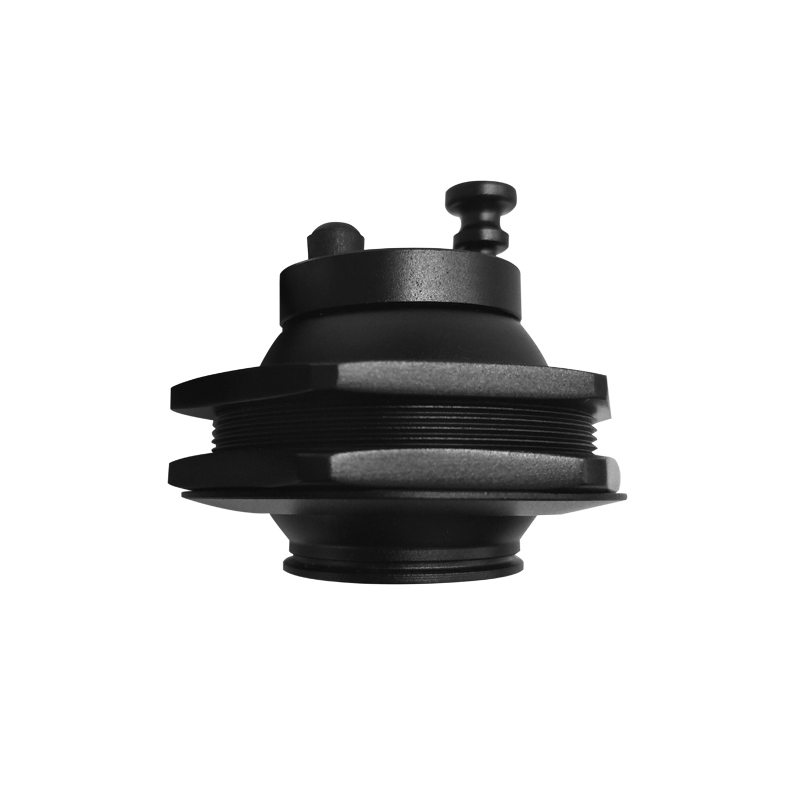
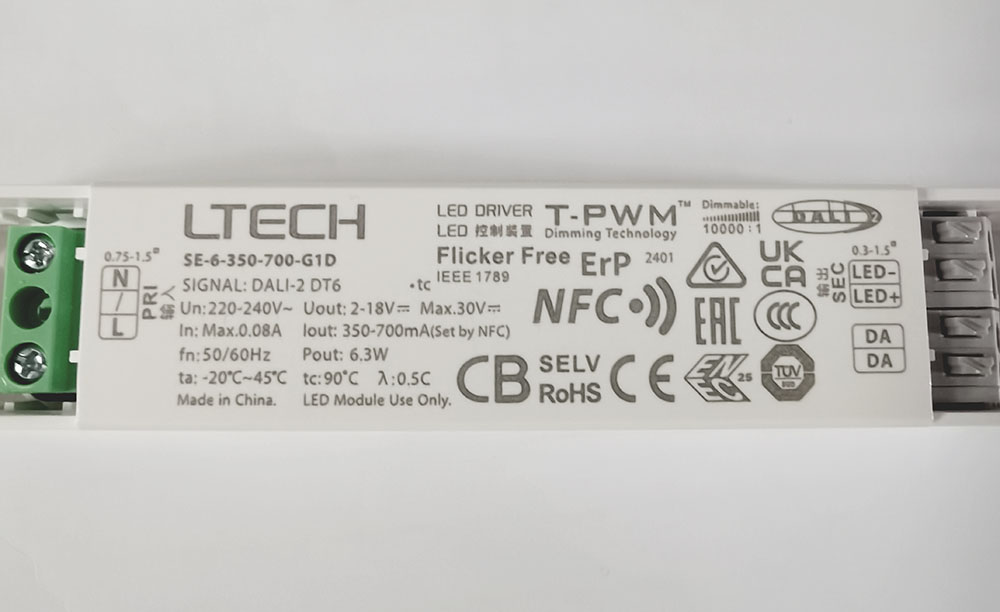
2、Matching DALI power supply (Make sure it is the voltage and current output of the DALI logo power supply that matches the voltage and current requirements of the fixture)
① Power supply output voltage Uout:2-18V (automatic selection)
②Power supply output current Iout:350-700mA(dial code)
③Dali logo
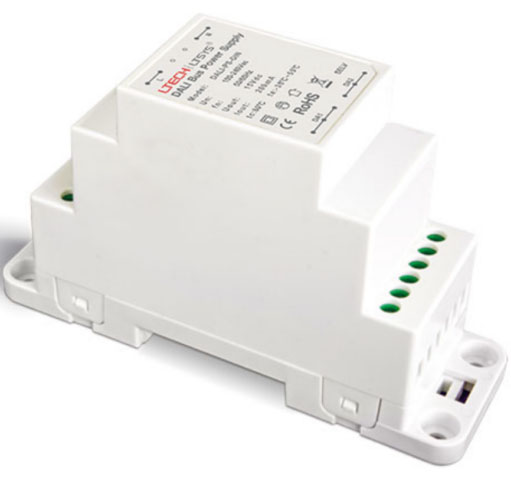
3、DALI bus power supply 9~16 volts (DALI bus power supply is responsible for providing stable voltage for DALI bus to ensure stable transmission of communication and control signals)
4、 DALI control panel (DALI control panel and DALI bus to connect)

5、Use the NFC Lighting APP
Scan the QR code below with your mobile phone and follow the prompts to complete the APP installation (According to performance requirements, you need to use a NFC-capable Android phone, or an iphone 8 and later that are compatible with iOS 13 or higher).

DAli used by amateur hobbyists (small projects)
DALI Wiring diagram
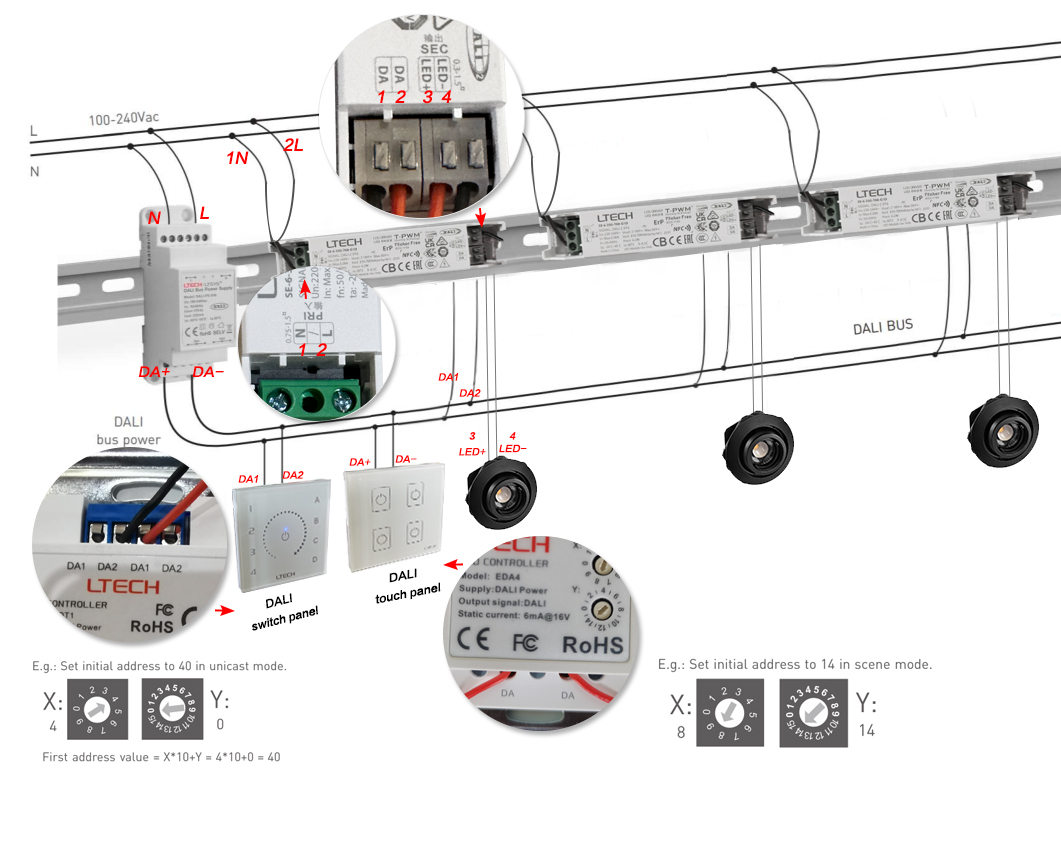
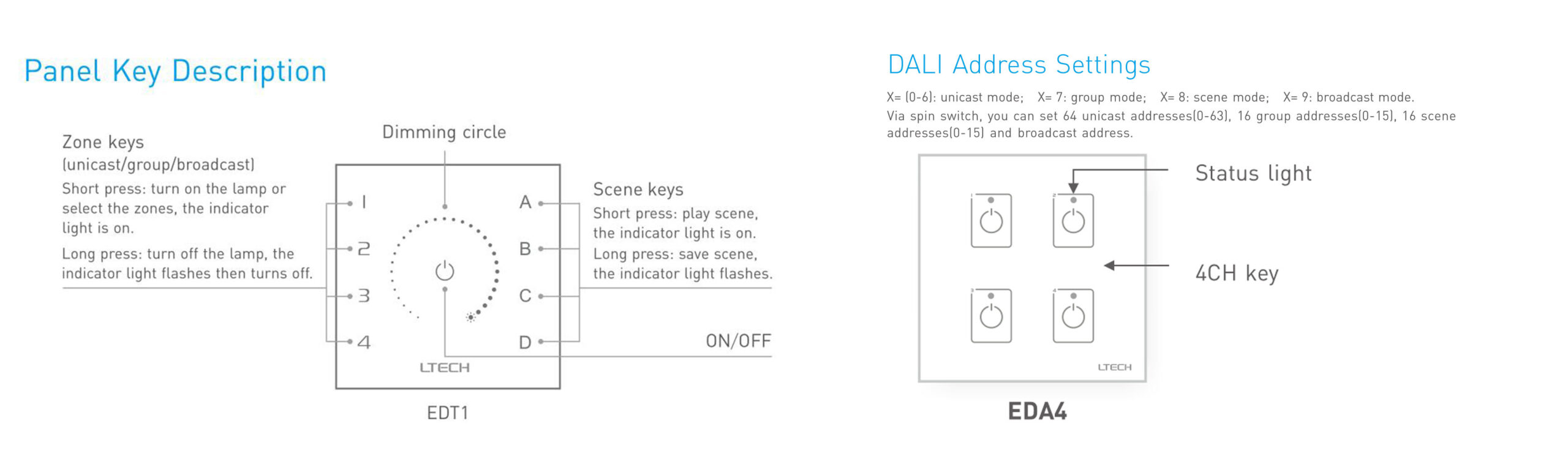
The debugging panel is only needed when debugging lighting, and ultimately we only need to use the panel to control the lighting.
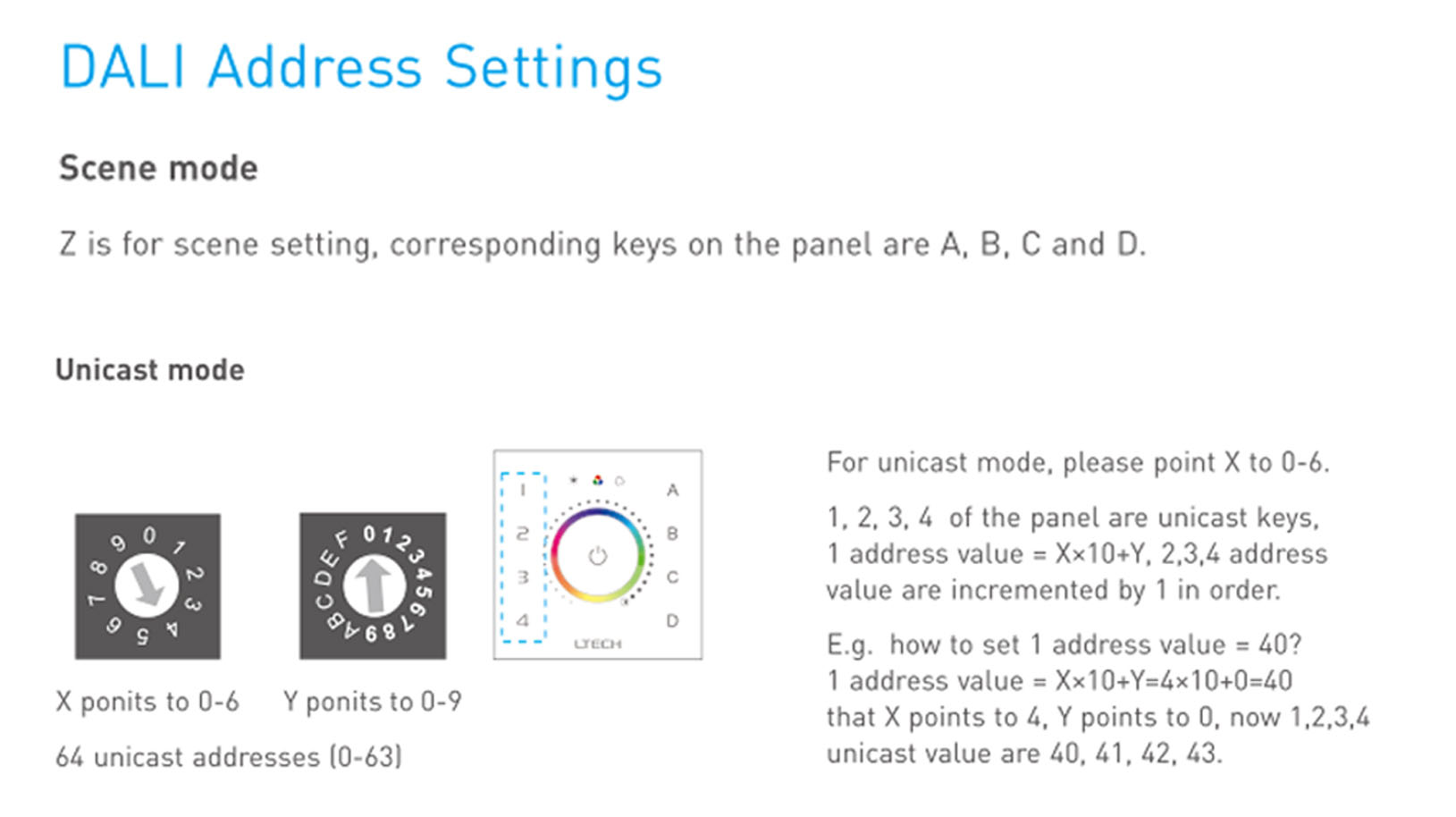
When mapping the ABCD scenarios of the DALI moderation panel to the 1234 buttons of the DALI usage panel, we need to clarify the functional match between each scenario and the buttons.
The ABCD scenarios of the DALI control panel represent four different preset lighting modes, each optimised for a specific environment or need. These scenario modes can be selected and switched by DALI using the 1234 button on the panel.
Users can easily switch to the desired profile by simply pressing the corresponding button for quick and easy lighting. This correspondence is designed to enhance the user experience and make smart home control simpler and more intuitive.


